A Complete Guide to Chisels & Bits: Transforming Minecraft with Detailed Customization
Minecraft is known for its blocky, pixelated world, but with the right mods, players can enhance the game’s visual and structural possibilities. One of the most popular mods for players looking to add a deeper level of detail and customization to their builds is the Chisels & Bits mod. This mod allows you to carve, sculpt, and manipulate blocks at a smaller scale, turning Minecraft from a voxel-based building game into a world of endless micro-creation. In this guide, we’ll explore everything you need to know about Chisel Bits, Chisel Minecraft, and the related mods like Chiseled Me.
What is Chisels & Bits in Minecraft?
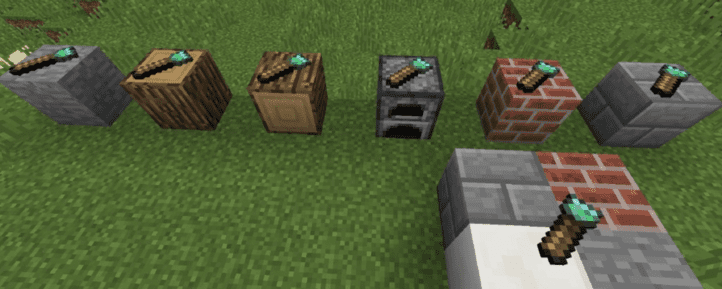
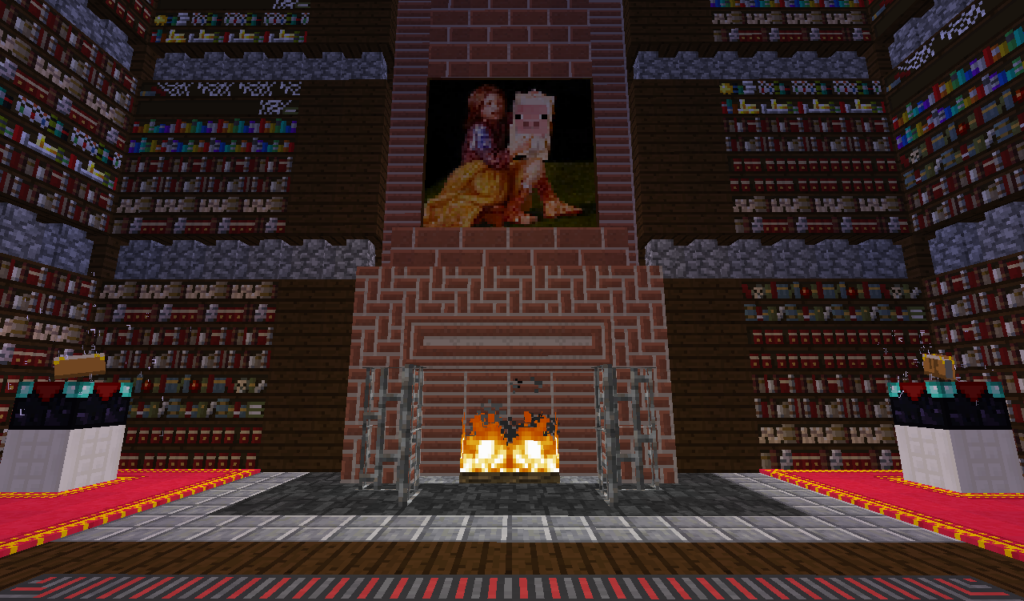
Chisels & Bits is a mod that allows players to break down blocks into tiny bits (1/16th the size of a standard Minecraft block) and use those bits to create intricate designs. This mod opens up a world of possibilities for detailed construction, enabling players to create furniture, decorations, or even custom designs in their builds that go beyond the standard blocks Minecraft offers.
Key Features of Chisels & Bits:
- Chisel Tool: This tool allows you to break down standard Minecraft blocks into smaller bits. With the chisel, you can sculpt and shape blocks with precision.
- Bit Bag: A bit bag is used to store bits collected from chiseling blocks. It makes it easier to manage large quantities of bits while building.
- Detailed Customization: Create intricate designs like detailed window frames, sculptures, and decorations. The mod lets you customize blocks on a micro level.
- Block Preservation: Once a block has been chiseled, it retains the same properties as the original block (such as being blast-resistant or transparent), giving players more freedom in creative building.
How to Use the Chisels & Bits Mod
If you’re wondering how to get started with Chisels & Bits, here’s a simple guide to help you craft tools and use the mod effectively.
Step 1: Install Chisels & Bits
To use the Chisels & Bits mod, you’ll need to install it along with Minecraft Forge or Fabric, depending on your preferred mod loader.
Installing on Minecraft Forge:
- Download Minecraft Forge: Get the latest version of Minecraft Forge from the official website.
- Download Chisels & Bits Mod: Download the mod from CurseForge or a similar platform.
- Install the Mod: Place the downloaded Chisels & Bits mod file into the mods folder located in your Minecraft directory.
Installing on Fabric:
If you prefer using the Fabric mod loader, ensure that you download the Chisels & Bits Fabric version, which is compatible with Fabric-based servers and modpacks.
Step 2: Crafting and Using the Chisel Tool
- Crafting the Chisel:
- You can craft a chisel by combining 1 iron ingot and 1 stick in a crafting table. The chisel is your primary tool for breaking down blocks into smaller bits.
[Empty] [Iron Ingot] [Empty] [Empty] [Stick] [Empty] - Using the Chisel:
- Once you have the chisel, right-click on a block to open a selection menu where you can choose what type of chiseling you want to perform:
- Full Block: Turn the entire block into bits.
- Plane: Chisel a single layer of the block.
- Line: Remove a single row of bits.
- Single Bit: Remove individual bits for precise detailing.
- Once you have the chisel, right-click on a block to open a selection menu where you can choose what type of chiseling you want to perform:
Step 3: Building with Bits
Once you’ve chiseled a block into bits, you can start building or customizing structures with those bits.
- Place Bits:
- Select the bit you want to place from your bit bag. You can arrange bits to create custom designs by right-clicking to place them.
- Bit Bag for Storage:
- As you collect bits, they can quickly clutter your inventory. Craft a bit bag using wool and a chisel. The bit bag automatically stores bits as you collect them, allowing for more efficient building.
- Create Detailed Designs:
- Use the bits to create anything from detailed sculptures, custom windows, detailed furniture, or even 3D pixel art. The possibilities are endless, thanks to the level of precision you get from Chisels & Bits.
Step 4: Saving and Copying Designs
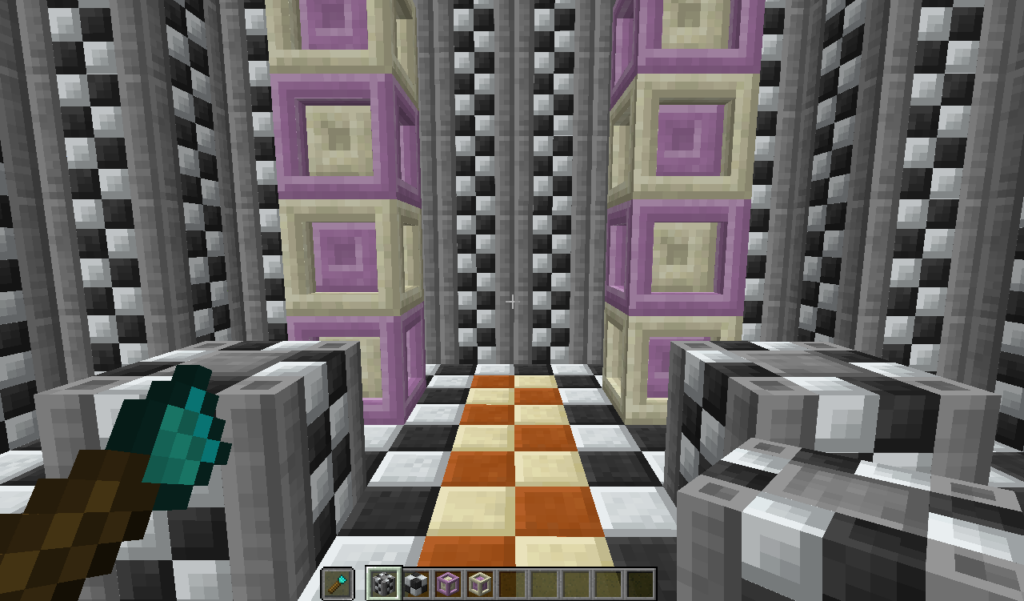
A unique feature of Chisels & Bits is the ability to save and copy your designs. You can use the chisel design tool to copy custom blocks or designs you’ve made and place them elsewhere, making repetitive building easier.
- Chisel Design Tool: Craft this tool to save and copy complex designs for easier replication across your build.
Chiseled Me Mod: Shrink or Grow in Minecraft
Another mod that complements the chiseling and building experience is the Chiseled Me mod. This mod allows you to shrink or grow your character in Minecraft, offering a new perspective on the game.
Key Features of Chiseled Me:
- Shrinking: Players can shrink down to a much smaller size, allowing them to explore smaller areas, walk through tight spaces, or even interact with the detailed designs made using Chisels & Bits.
- Growth: The mod also allows players to grow in size, towering over mobs and structures.
- Fun Interactions: Being smaller or larger affects how you interact with the world. For example, you can hide in tiny spaces when you’re shrunk, or crush blocks and enemies as a giant.
How to Use Chiseled Me:
- Install the Mod: Like Chisels & Bits, you can install the Chiseled Me mod via Forge or Fabric.
- Shrink or Grow: Use special items or commands provided by the mod to shrink or grow in size. This adds a whole new dimension to your Minecraft experience, especially if you combine it with Chisels & Bits for detailed exploration.
Chisel Minecraft Mod: A Broader Toolset
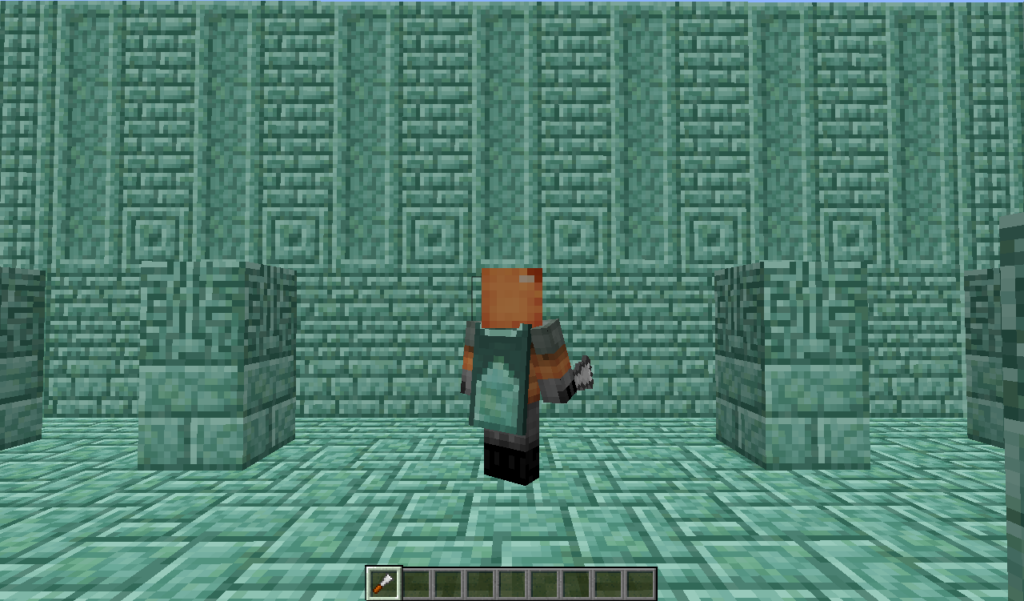
For players interested in chisel-based tools but not on the micro-scale offered by Chisels & Bits, the Chisel Minecraft mod is another popular option. This mod allows you to customize the appearance of blocks by giving you access to a chisel tool that changes the texture or appearance of standard Minecraft blocks without breaking them into bits.
Features of Chisel Minecraft Mod:
- Chisel Tool: Change the appearance of blocks with different textures and designs, ideal for adding aesthetic variety to your builds.
- Multiple Block Variants: The chisel allows you to choose from different variants of blocks, such as stone, wood, or bricks, without needing extra resources.
- Easy Aesthetic Upgrades: Ideal for players who want more control over block design without the complexity of working with bits.
Chisels & Bits Mod for Fabric
For players running Fabric as their mod loader, there is a compatible version of Chisels & Bits that works seamlessly with Fabric-based modpacks and servers. The Chisels and Bits Fabric version offers the same core functionality as the Forge version, letting you build detailed structures with ease.
Common Issues and Solutions for Chisels & Bits
Issue: Mod Not Working
- Solution: Ensure you’re using the correct version of Minecraft Forge or Fabric for the version of Chisels & Bits you’ve downloaded. Check for compatibility with other mods to avoid conflicts.
Issue: Performance Issues
- Solution: Building with thousands of bits can be resource-intensive. Allocate more RAM to Minecraft via the game launcher settings or reduce the complexity of your builds to improve performance.
Conclusion
The Chisels & Bits mod transforms Minecraft from a block-building game into a world where you can create highly detailed and intricate designs. Whether you’re carving out custom furniture, making detailed pixel art, or adding unique decorations to your builds, this mod opens up a realm of possibilities. With complementary mods like Chiseled Me and Chisel Minecraft, you can further enhance your creative abilities, from shrinking your character to creating new textures for blocks. Whether you’re using Forge or Fabric, Chisels & Bits is the ultimate tool for Minecraft builders looking for more depth and precision in their creations.
Related Post
Mastering Minecraft: Generator Servers, Settings, and Essential Plugins
Minecraft is a game that thrives on creativity and customization. From generator servers to specific [...]
Innovative Weapon Mechanics: Pushing the Boundaries of Gameplay in Game Development
In the ever-evolving landscape of game development, innovative weapon mechanics serve as a catalyst for [...]